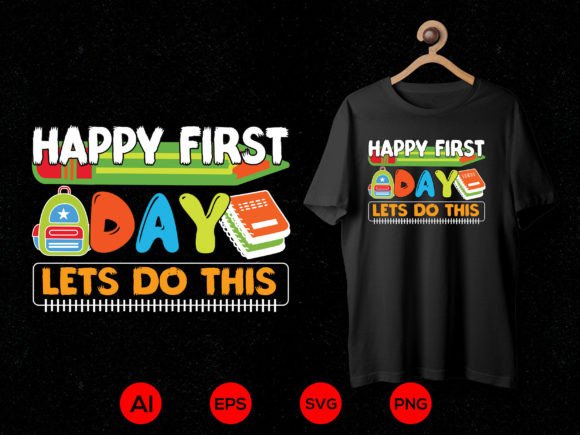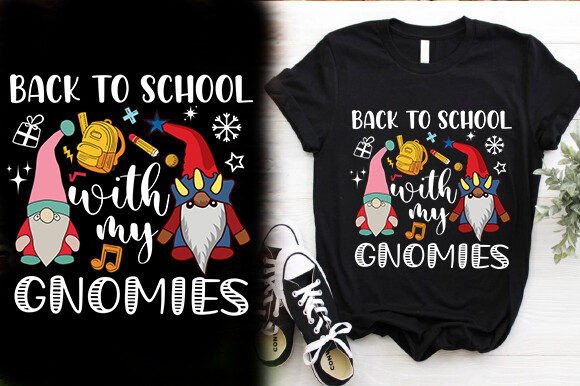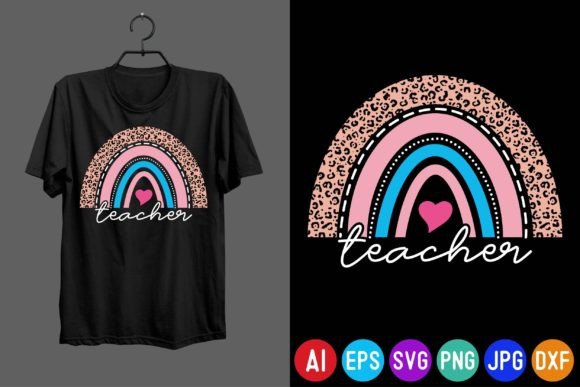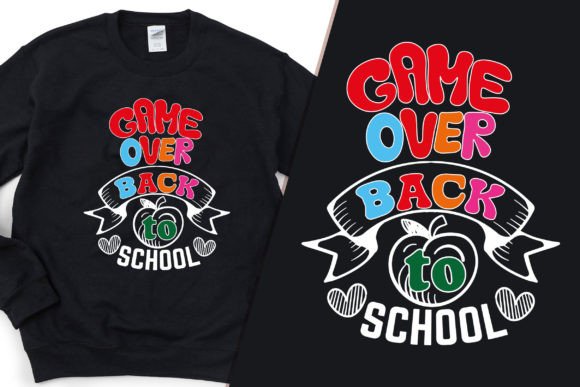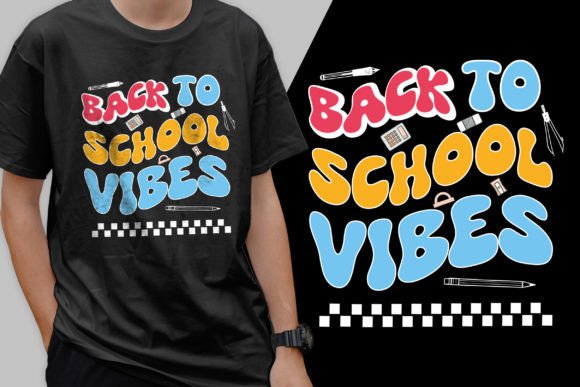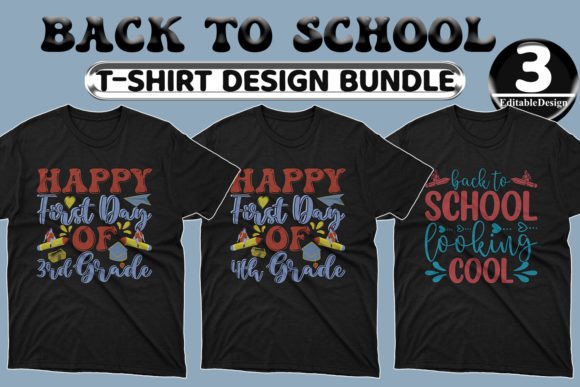
Back to School T-shirt Design Bundle-05
Whether you're launching a small merch line for your classroom, prepping custom apparel for a youth camp, or designing staff shirts for an after-school program, Back to School T-shirt Design Bundle-05 delivers polished, production-ready vector artwork—no design skills required. This isn’t a printed shirt or a mockup preview. It’s a tightly curated digital download built for flexibility, scalability, and real-world use.
What You’re Actually Getting (and Why It Matters)
Inside the ZIP file, you’ll receive 15 high-fidelity source files—3 each in AI, PNG, EPS, SVG, and DXF formats. That’s intentional redundancy, not overkill. Each format serves a distinct purpose: AI and EPS for professional print prep in Illustrator; SVG for web integration and Cricut/Silhouette projects; DXF for laser engraving or CNC workflows; PNGs with transparent backgrounds for quick social media graphics or PowerPoint presentations; and crisp vector scalability across all sizes—from tiny iron-on transfers to full-back tees.
The designs in Back to School T-shirt Design Bundle-05 lean into clean, confident typography and subtle educational motifs—think geometric pencils, minimalist apples, open books with modern linework, and clever “First Day Energy” phrases—not cartoonish clichés. They’re designed to age well, avoid trend fatigue, and resonate across grade levels and learning environments.
Where These Files Fit Into Your Real Workday
Educators and school staff: Print class t-shirts for field trips, create welcome banners for Open House, or generate reusable name tags and desk labels—all from one set of vectors. No need to reformat or beg the district’s graphic designer for edits.
Small business owners and makers: Load the SVGs directly into your Cricut Design Space or Silhouette Studio and cut vinyl for back-to-school pop-up booths. Use the AI files to drop designs into mockups for Etsy listings—or tweak colors and text to match your brand palette before sending to your DTG printer.
Freelancers and content creators: Repurpose elements across client projects—turn a pencil icon into a bullet point in a teacher training deck, scale the “Hello New Year!” phrase for Instagram story templates, or layer the apple motif into printable planner stickers. Because everything is vector-based, resizing introduces zero pixelation or quality loss.
No Guesswork, No Dead Ends
All files are layered, named logically, and organized by format—not buried in nested folders. Text is outlined where appropriate (so fonts won’t break on machines that don’t support your system), but key editable layers remain intact for quick personalization. If you want to swap “Welcome Back!” for “Welcome, Grade 5!”, it takes under 60 seconds in Illustrator—just select the object, open the Color panel, and enter your HEX or RGB value.
That said: these aren’t beginner Photoshop files masquerading as vectors. PNGs are raster-based and best for screen use or simple printing. For cutting, engraving, or large-format output, stick with AI, EPS, or SVG. And always double-check your machine’s native format support—some older vinyl cutters still prefer EPS over SVG, while newer laser tools often default to DXF.
Smart Usage Tips From the Bench
- Test before scaling up: Try a 4” version on scrap fabric first—even vector files can behave unexpectedly with certain ink types or heat-transfer settings.
- Check color mode: For screen printing, ensure your final AI/EPS export is in CMYK. For digital displays or web use, stick with RGB. The bundle includes both setups—but verify before handing off to your printer.
- Respect commercial licenses: These files are licensed for unlimited physical products (t-shirts, mugs, tote bags) and digital promotions—but not for resale as standalone clip art or inclusion in competing design bundles.
- Don’t skip extraction: Double-clicking the ZIP works on most modern systems, but if layers appear flattened or fonts look odd, try WinRAR or 7-Zip instead. Some OS-level extractors strip metadata or rename files unpredictably.
Beyond the Classroom: Unexpected Applications
We’ve seen Back to School T-shirt Design Bundle-05 used in ways its original brief never imagined: a pediatric clinic printed the “New Chapter, Same Great Team” design on lab coats for back-to-school wellness visits; a university admissions office adapted the open-book motif into a responsive web banner for their orientation portal; and a freelance illustrator used the clean apple outline as a base layer for a hand-lettered mural in a charter school hallway.
That versatility comes from thoughtful construction—not just aesthetics. Negative space is generous. Stroke weights hold up at 1.5” or 15”. Anchor points are simplified (no unnecessary bezier curves), so even novice users can adjust shapes without distorting proportions.
Final Thought: Quality You Can Trust, Not Just Download
This isn’t about filling a cart with generic clip art. It’s about having dependable, professionally crafted assets that save time, reduce revision rounds, and help your message land clearly—whether you’re outfitting 20 students or launching a Shopify store. Every file in Back to School T-shirt Design Bundle-05 was stress-tested across real devices, software versions, and production methods—not just rendered and exported.
If something doesn’t behave as expected—whether it’s a missing layer in an EPS file or confusion about SVG compatibility—reach out. Real support means real answers, not canned replies. And if this bundle solves a problem you’ve wrestled with for weeks? A quick rating helps other educators, makers, and small teams find tools that actually work.